

Will everything fit on the Switch 2? Real space, microSD Express and how to expand it
The Switch 2 has 256 GB, but you can use around 210-220 GB. We explain how much space big games take up, which card you need (and which one doesn't work) and how to manage space.

Translated automatically from Spanish. Read the original
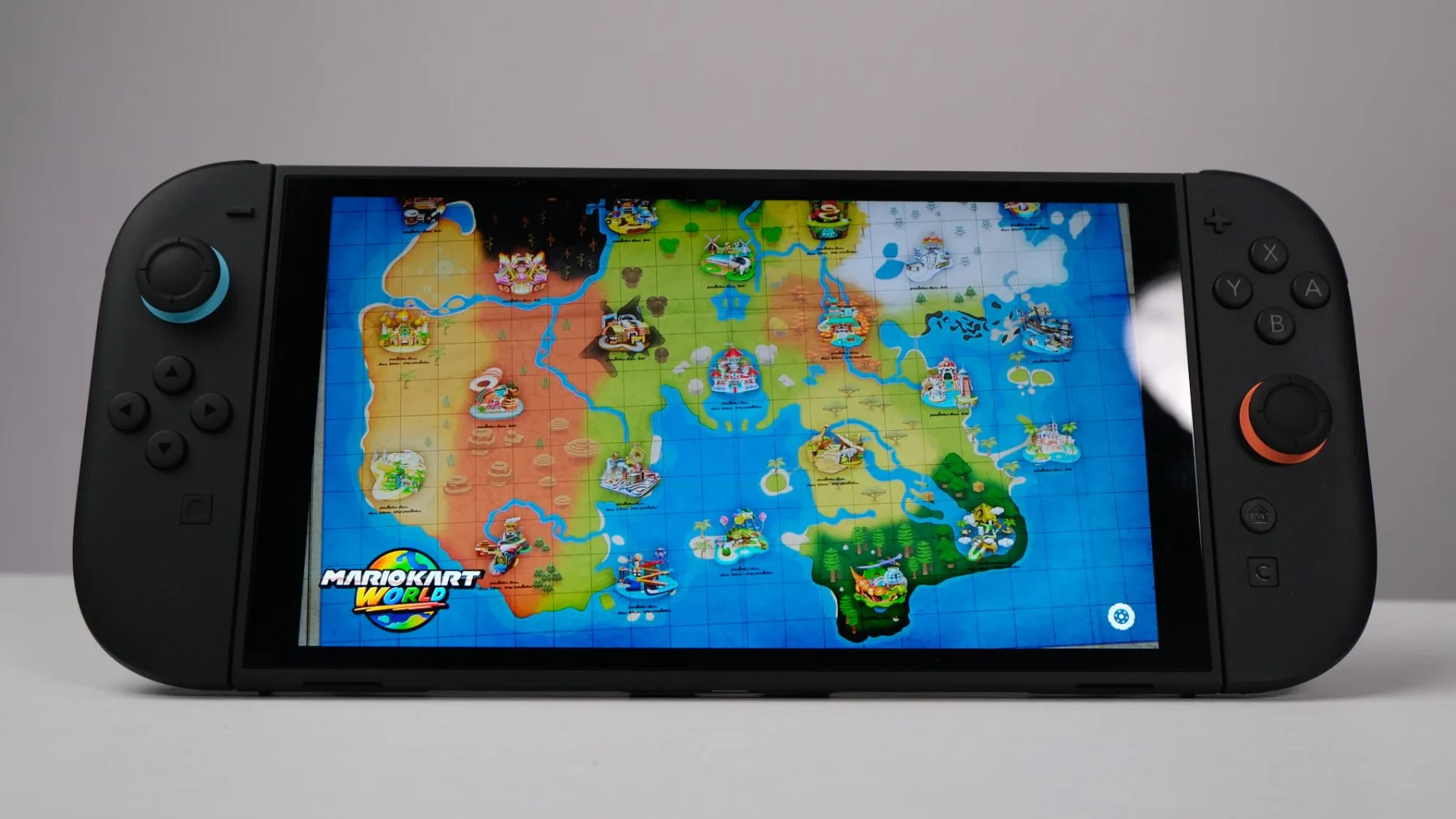
With games like Ocarina of Time (around 25 GB) or Mario Kart World (around 23 GB), the 256 GB of the Nintendo Switch 2 fill up faster than you think. This guide explains how much space you really have, what card you need to expand it, and how to organize yourself.
How much space you really have
The Switch 2 advertises 256 GB, but the system reserves a portion for itself. In practice, you have around 210-220 GB for games and data. With seven or eight large games, you'll be at the limit.
What card you need
- To store Switch 2 games, you need a microSD Express card with the "EX" logo.
- Regular microSD cards do not work for Switch 2 games. The console can read them to copy screenshots, but not to install games.
- 256 GB cards from Samsung and SanDisk with a Nintendo license cost around $65 in Europe; they can be found for less during sales.
- There are 512 GB and 1 TB cards, which are more expensive, but offer a better price per gigabyte if you play a lot of digital games.
What cannot be stored on the card
According to Nintendo, save data is not stored or copied on the microSD Express: it always remains on the internal memory or in the Nintendo Switch Online cloud. That's why you can delete a game from the card without losing your progress.
How to free up space without losing anything
- Archive software: in Settings > Data Management, you can archive a game. The program is deleted, but the icon and save data remain, and you can redownload it with a touch.
- Move games between the internal memory and the card from the same menu.
- Delete screenshots and videos or transfer them to your mobile device.
Is it worth buying physical copies?
Cartridges take up much less space on the console (only updates), although some games use key cards that require downloading the full game. If you care about space, check the box before buying.
Frequently Asked Questions
Will my old Switch's microSD card work? Only for games from the first Switch and screenshots, not for Switch 2 games.
What capacity should I buy? 256 GB doubles the space for little money; 512 GB if you buy almost everything digitally.
Is the speed noticeable? microSD Express cards are much faster than regular ones; that's why Nintendo requires them.
Sources: official Nintendo support (Switch 2 data management), Vandal, Nintenderos, and Xataka.
Comments
Sign in to comment
No comments yet. Start the conversation.